
Login
Both instructors and students can login into Brightspace using their NIC email address and password.
There are three entry points to Brightspace.
**Tip** Bookmark in your browser

Account Settings
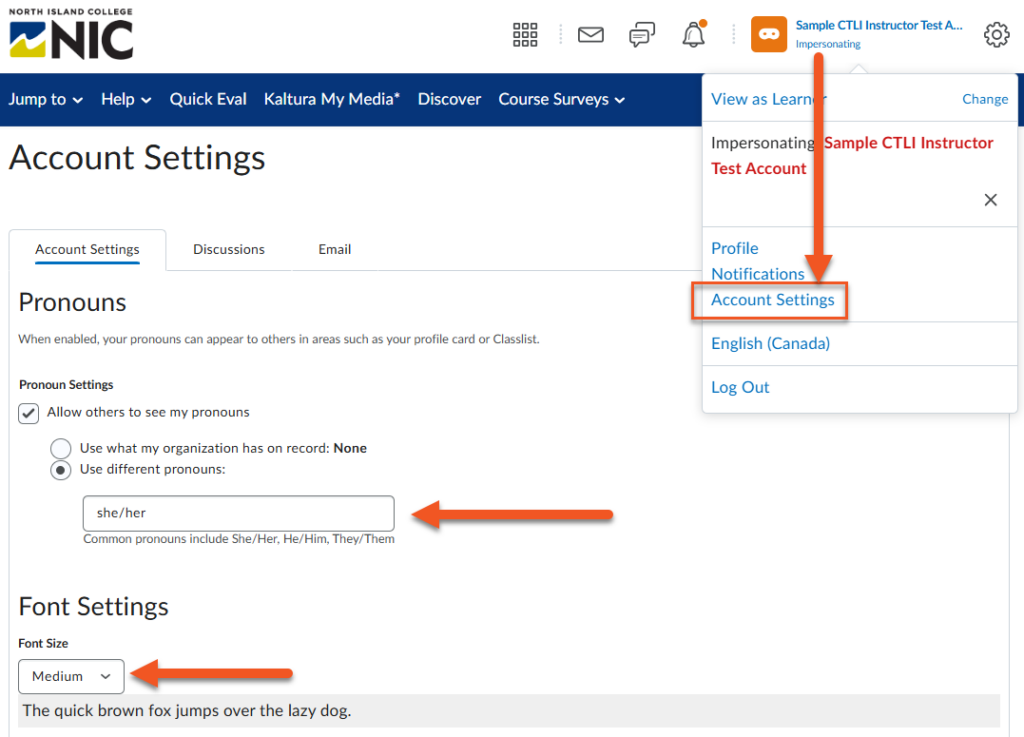
Click on Account Settings in the drop-down menu under your name.
Available Options
- Select pronouns — pronouns show up on your profile card (for submitted Assignments, Discussions and in Classlist)
- Change font size
- Change time zones
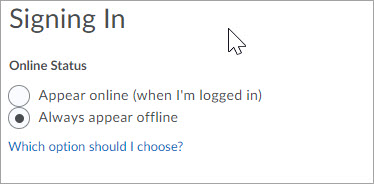
- Appear either online or offline when logged in
Visit D2L’s community page on changing your personal settings in Brightspace for more information.